1. Components
  2. aspect-ratio

Aspect Ratio

Set the aspect ratio of a container using CSS.

Demo

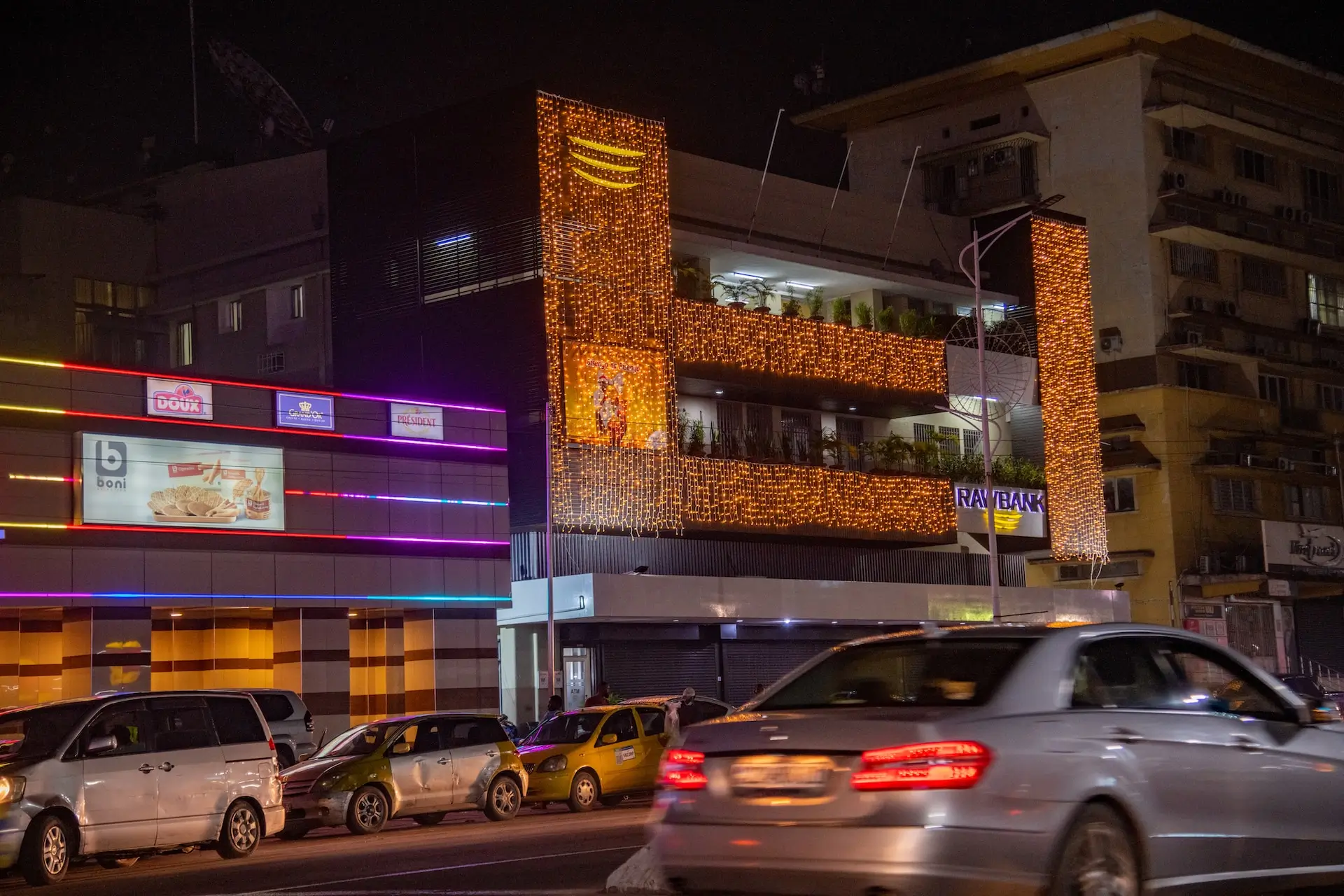
Image by Johnnathan Tshibangu
import { AspectRatio } from '@/components/jk/aspect-ratio'


export const DemoAspect = () => {
    return (
        <AspectRatio aspect="video">
            <img src="/images/img2.webp" className="w-full h-full object-cover rounded-lg" width="2400"
                alt="Image by Johnnathan Tshibangu" />
        </AspectRatio>
    )
}

Installation

terminal
npx shadcn@latest add @jk-ui/aspect-ratio

Examples

Standard TV

Image by Johnnathan Tshibangu
import { AspectRatio } from "@/components/jk/aspect-ratio"


export const AspectStandardTv = () => {
    return (
        <AspectRatio aspect="standard-tv">
            <img src="/images/img2.webp" className="w-full h-full object-cover rounded-lg" width="2400"
                alt="Image by Johnnathan Tshibangu" />
        </AspectRatio>
    )
}

Square

Image by Johnnathan Tshibangu
import { AspectRatio } from "@/components/jk/aspect-ratio"


export const AspectSquare = () => {
    return (
        <AspectRatio aspect="square">
            <img src="/images/img2.webp" className="w-full h-full object-cover rounded-lg" width="2400"
                alt="Image by Johnnathan Tshibangu" />
        </AspectRatio>
    )
}

Ultra Wide

Image by Johnnathan Tshibangu
import { AspectRatio } from '@/components/jk/aspect-ratio'


export const AspectUltraWide = () => {
    return (
        <AspectRatio aspect="standard-tv">
            <img src="/images/img2.webp" className="w-full h-full object-cover rounded-lg" width="2400"
                alt="Image by Johnnathan Tshibangu" />
        </AspectRatio>
    )
}

MM Film

Image by Johnnathan Tshibangu
import { AspectRatio } from '@/components/jk/aspect-ratio';


export const AspectMmFilm = () => {
    return (
        <AspectRatio aspect="35mm-film">
            <img src="/images/img2.webp" className="w-full h-full object-cover rounded-lg" width="2400"
                alt="Image by Johnnathan Tshibangu" />
        </AspectRatio>
    );
}